My own system.
A bigger
operation.
I built one workspace to manage my entire operation: steer AI agents, work across projects, and run the apps, websites, servers and services behind my work.
Explore the engineeringI set the direction. The system brings the project context, models, tools and records together.
- My role
- Product, design, engineering & operations
- The system
- PangeaOS + a custom-built Pangea Harness
- The operation
- Apps, websites, servers & services
Backend & infrastructure
The system
underneath.
I built the job store, authenticated connections and backup tooling. I also operate the bare-metal estate across multiple servers.
- 01 Work has a record.
- Jobs, execution events and audit history persist beyond a browser session.
- 02 Access has boundaries.
- Authenticated services, scoped tools and approval requests keep the work under my control.
- 03 Data has a recovery path.
- Consistent database backups with integrity checks. Job records preserve progress and interruptions.
Inside the Pangea Harness
My custom-built Pangea Harness handles model and reasoning selection, specialist briefs, tool permissions and execution records. PangeaOS connects conversations, files, projects and machines. Queued workers get separate repository copies. Proposed lessons pass independent review and my approval before changing project instructions.
Across the work
Different projects.
The same workspace.
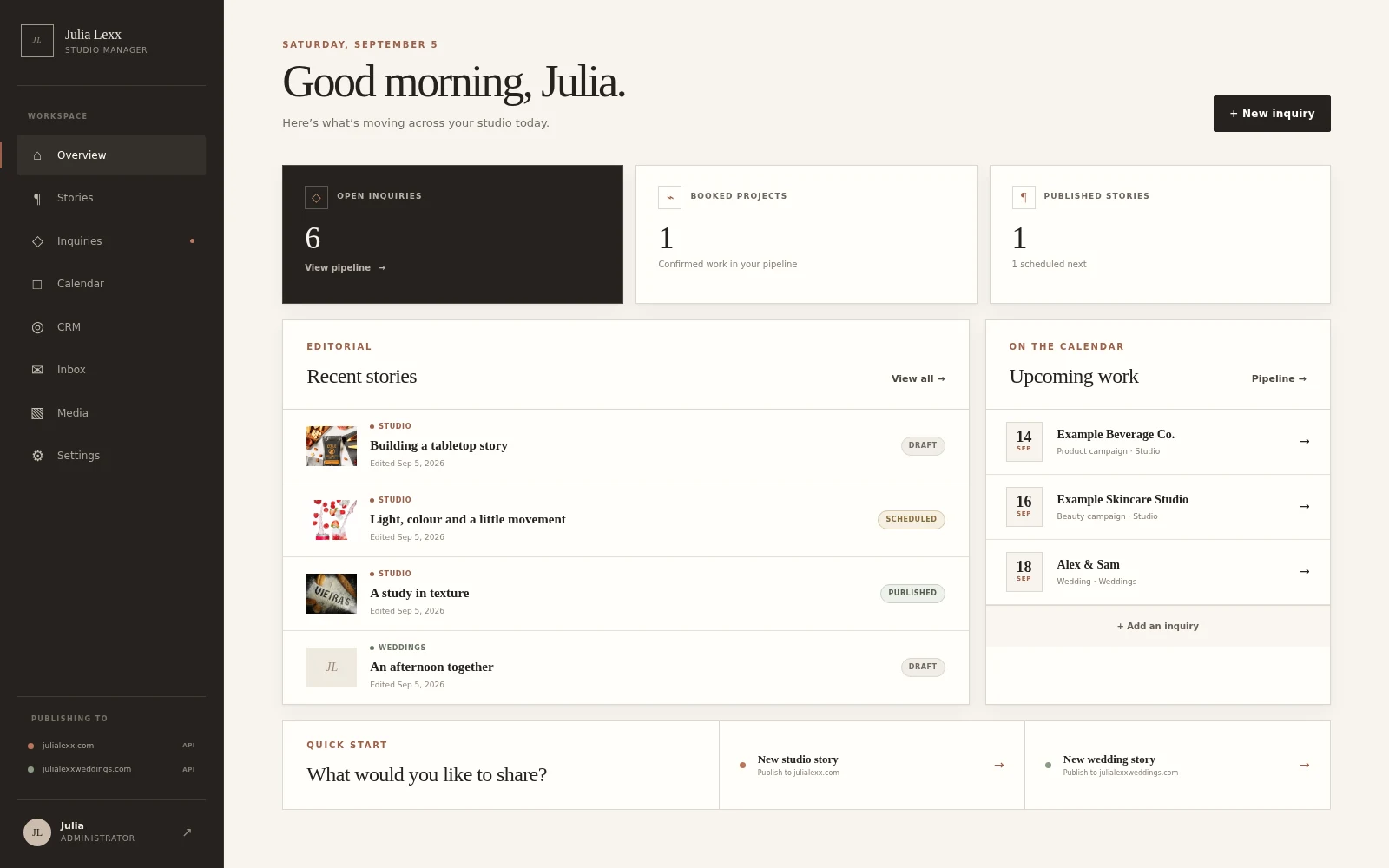
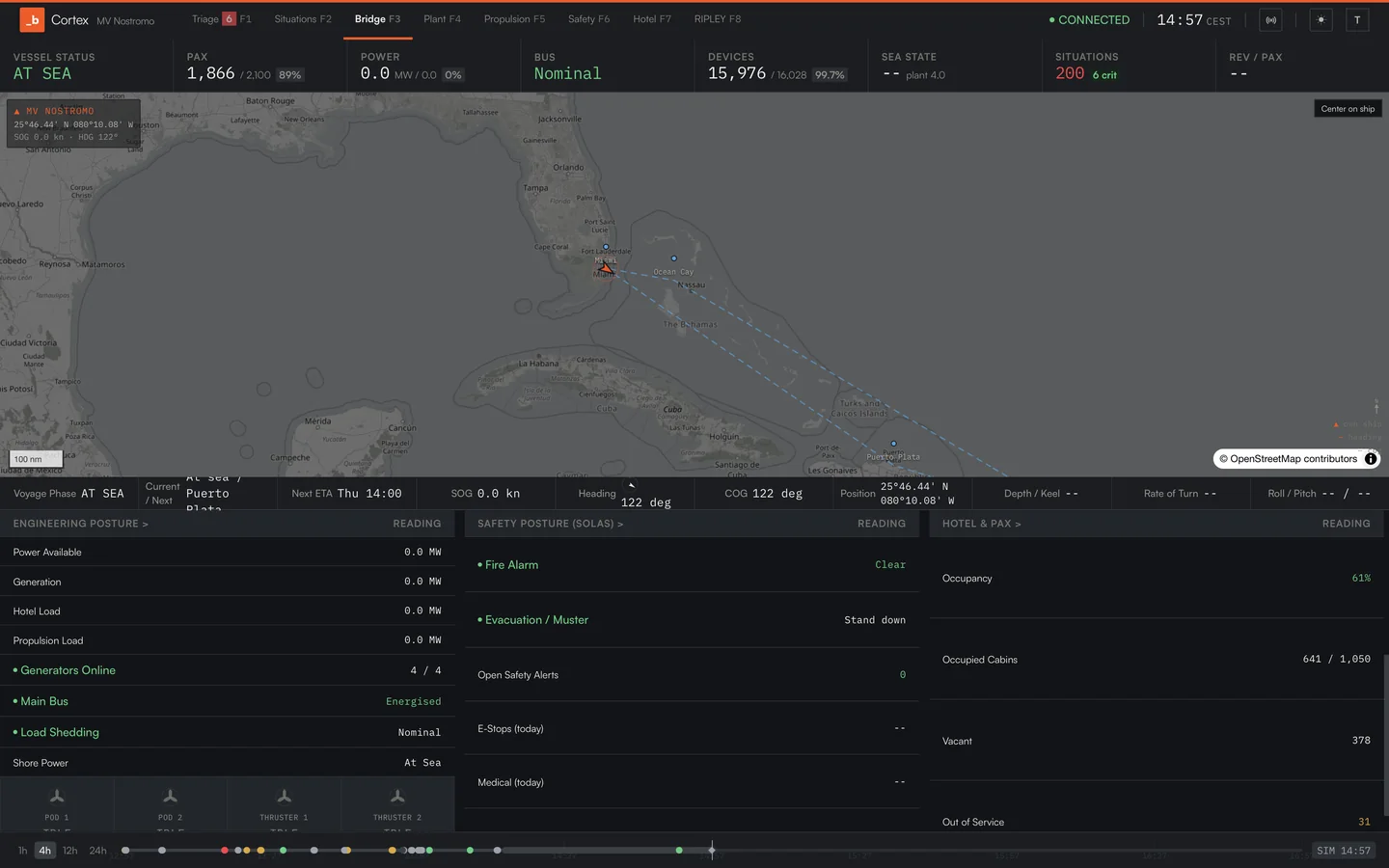
I use PangeaOS across the products and systems I build.

From my workspace to your next project
Put it
to work.
I bring this way of working to client projects, and teach it in The Builder’s Course.